
Story Kit
Ready to Post Story Images for Sharing Direct Kinect
Most people hear about door to door work from someone they already follow. These three images are sized for Instagram, Facebook and Snapchat stories. Save one, add the apply link and post it to your own story in under a minute.

Pick an Image
Each image is 1080 by 1920, the full screen story size. On a phone, press and hold the image and choose save. On a computer, use the download button.


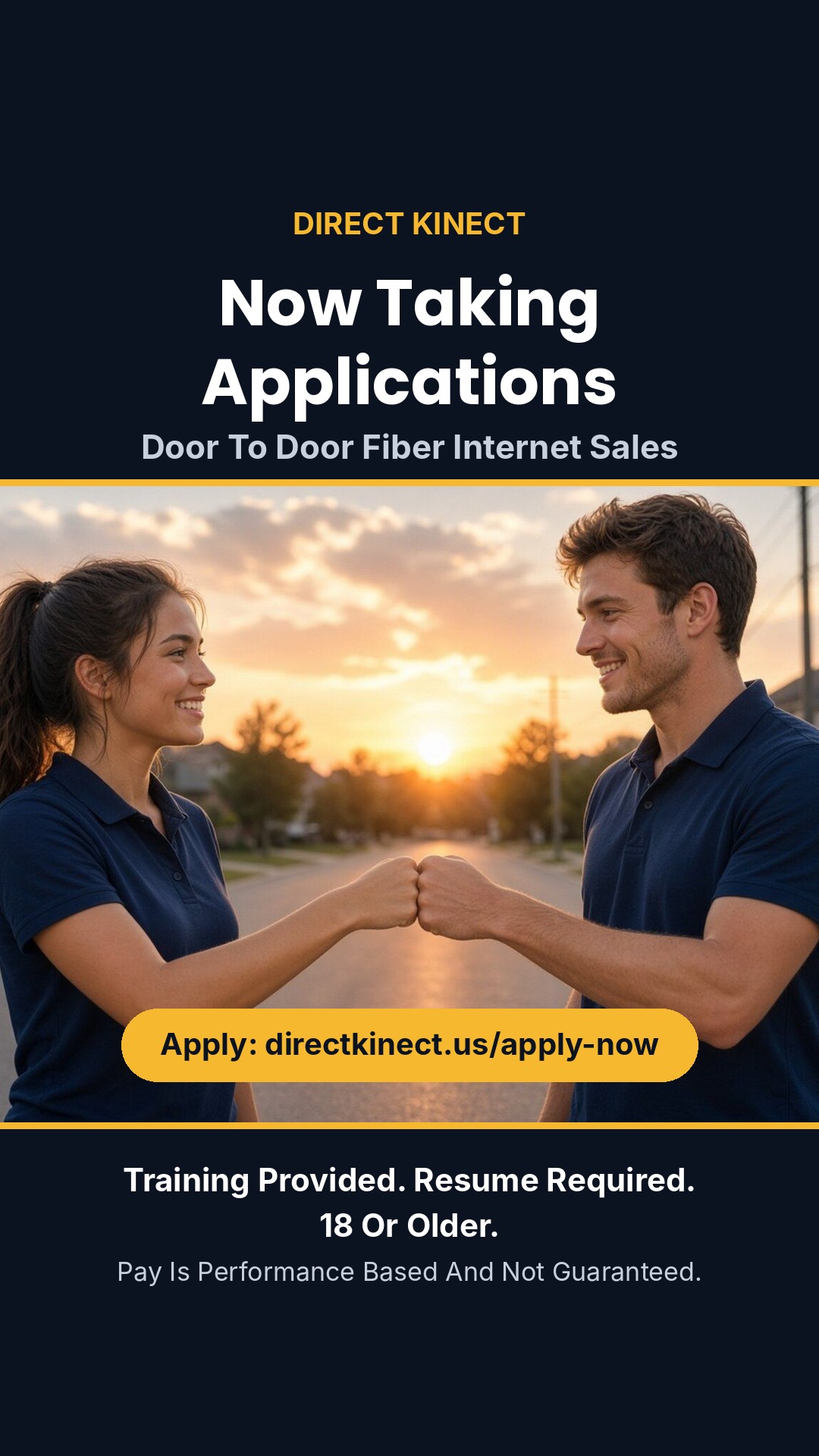
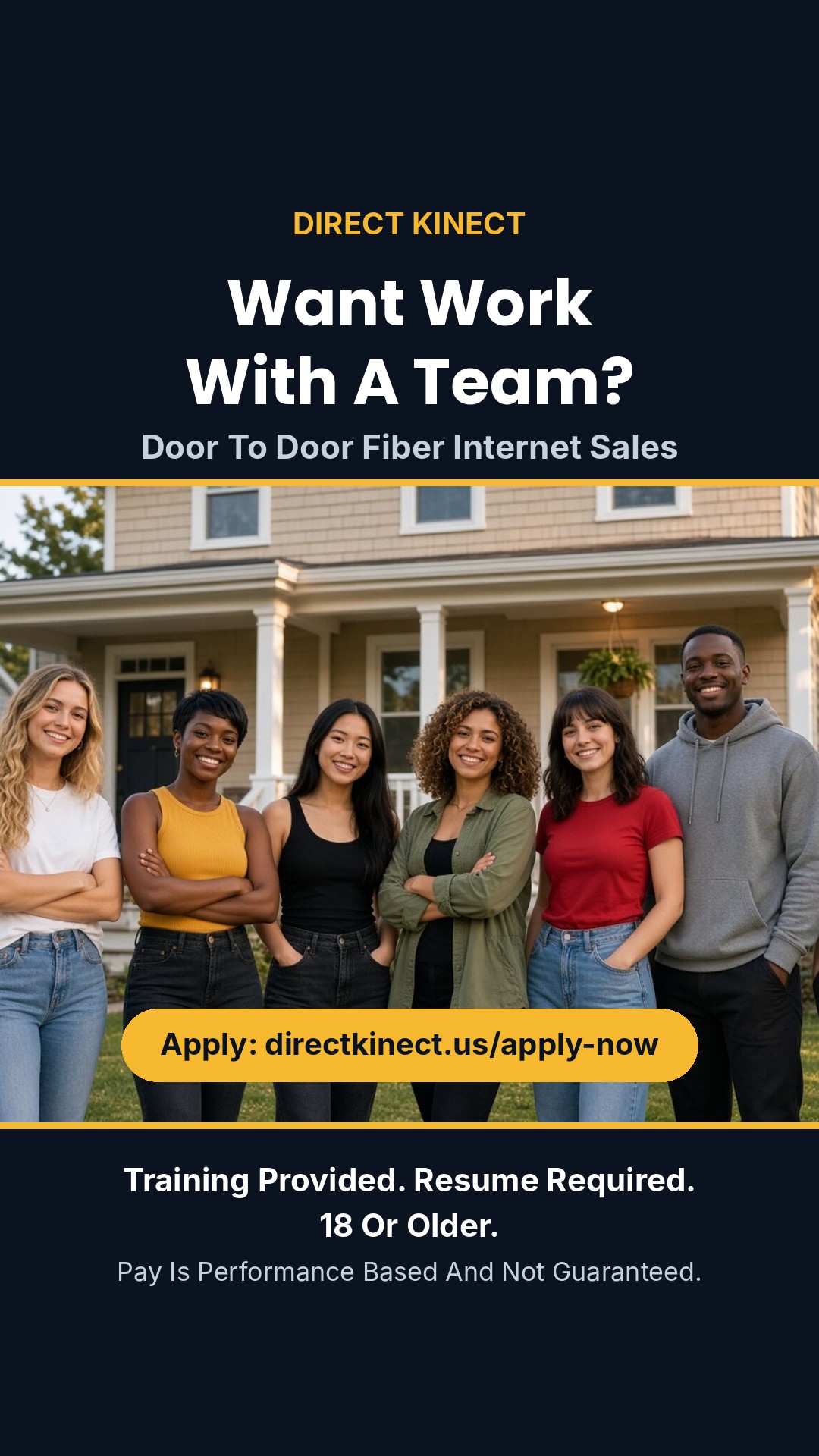
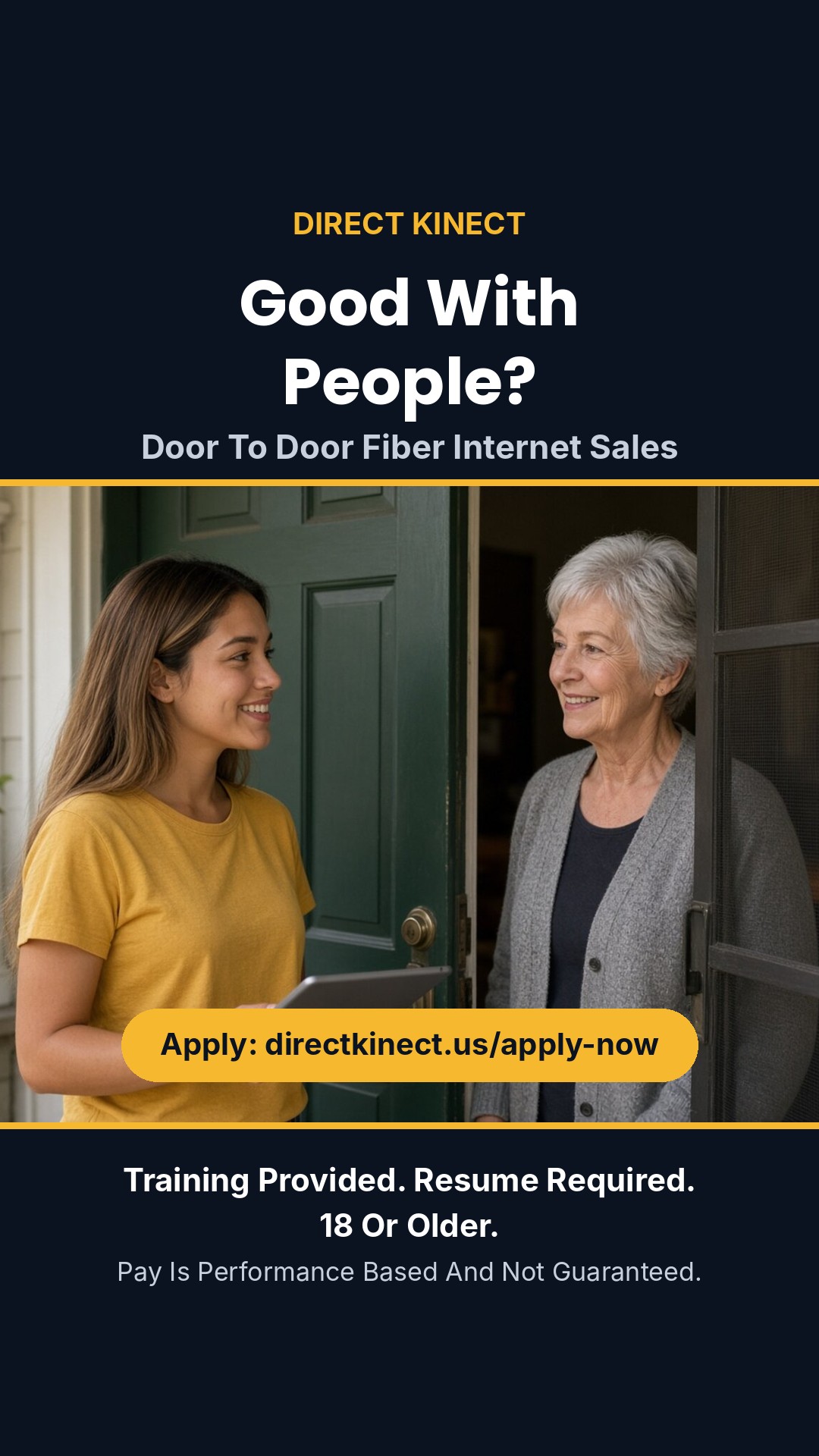
Every image already states the basics: training is provided, a resume is required, applicants must be 18 or older, and pay is performance based and not guaranteed.
How to Post It in Three Steps
- Save an image from the set above to your phone.
- Copy the apply link below. It only tells us the visit came from a story. It records nothing about you or the person who taps it.
- Open your story, add the image, then add a link sticker and paste the link. Place the sticker in the dark space under the photo so it does not cover any words.
The images also work as a Facebook or Snapchat story, a status update in a messaging app, or a picture sent in a text. The web address is printed on each image, so it still works where a link cannot be added.

A Few Ground Rules
- Post to your own accounts. Ask before posting in a group or on a page you do not run.
- Do not add pay amounts, income stories or promises. Pay is performance based and earnings are not guaranteed, and the image already says so.
- Keep the requirements line visible. Stickers, text and polls belong in the dark space, not over the words.
- If someone replies with questions, send them to the FAQ or to sales@directkinect.us.
Words You Can Add
A story needs very few words. If you want a line of your own on top, these stay inside what the site says.
More Ways to Share
For a printable flyer with a QR code and messages you can copy into a text or a group post, use the share page. If the person you have in mind needs a resume, send them the free resume builder. Ready to apply yourself? Open the application.